
Apple MacBook with a Touchscreen?!
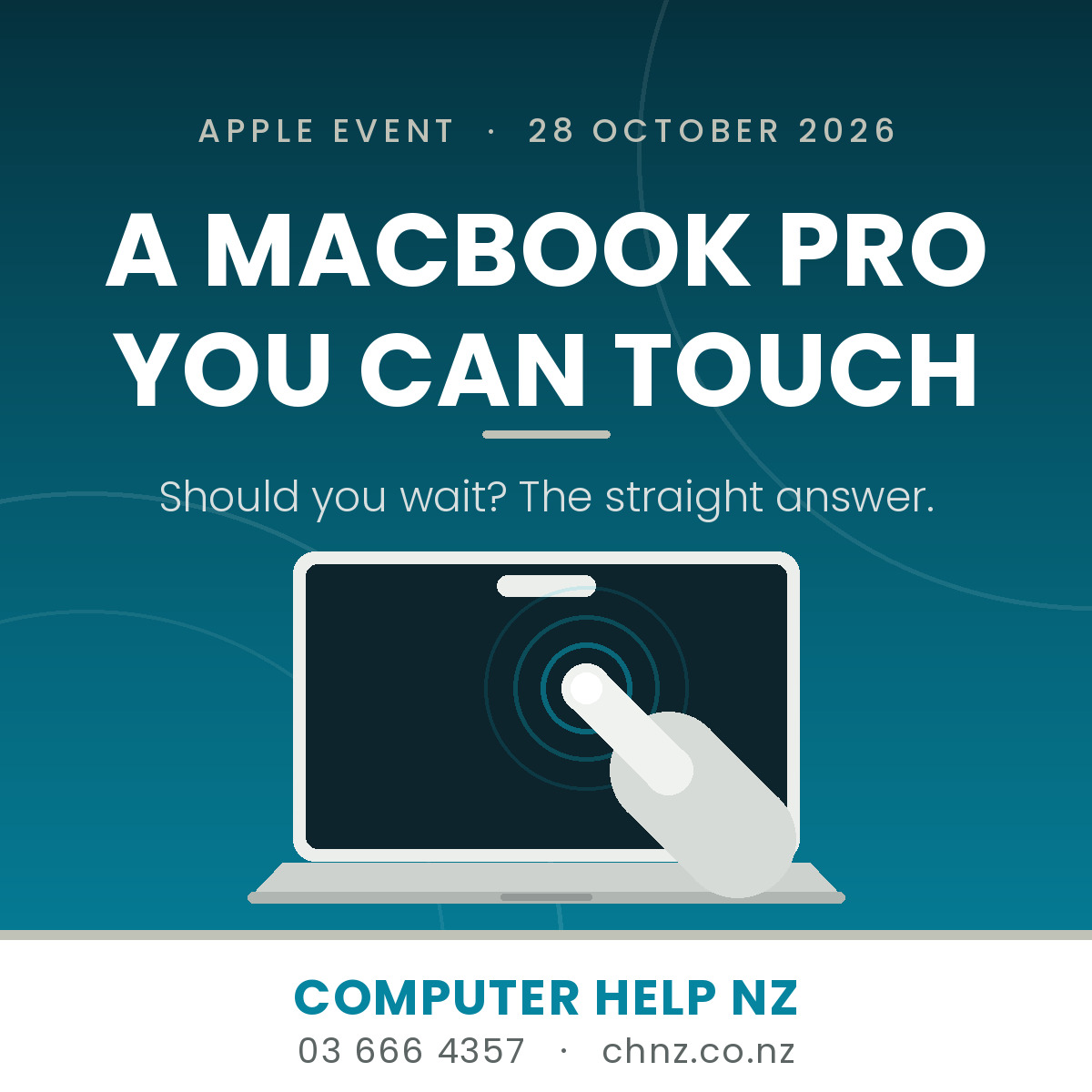
Apple has confirmed it: on 28 October it will launch a MacBook Pro you can poke with your finger. After years of insisting that touchscreens belonged on iPads and keyboards belonged on Macs, Apple has changed its mind. Here is what is actually happening, and what it means if you were thinking about a new laptop.
What Apple has actually confirmed
Apple has announced a product launch event on 28 October, held in Los Angeles and cheerfully named "Pro and tell". The headline act is the first touchscreen MacBook Pro. Because the event runs on US time, expect the news to land here on the morning of Thursday 29 October.
Reporting from Bloomberg's Mark Gurman, who is usually right about this sort of thing, says the new MacBook Pro will also bring two more Mac firsts: an OLED screen (sharper, deeper blacks, better contrast than the mini-LED panels in current models) and a Dynamic Island in place of the notch, the same floating cut-out you see on recent iPhones. Inside, it is expected to run the M5 Pro and M5 Max chips — the same silicon as the MacBook Pros released back in March.
Read that last part again, because it matters: the headline machine is not getting a new processor. You are paying for the screen and the touch.
The rest of the line-up
- Entry-level MacBook Pro with the new M6 chip — same design, faster brain.
- A refreshed iMac, also on M6.
- A revamped iPad mini with a sharper display.
Apple has been busy. HomeView, the HomePod mini 2 and a new Apple TV have all landed in recent weeks, and the foldable iPhone Duo goes on sale this Friday. Overseas reporting points to the new Macs and iPad mini hitting Apple stores on Friday 6 November. New Zealand pricing and shipping dates usually follow within days — but nobody outside Apple knows the NZ dollar figure yet.
So should you wait?
Here is the trade-off, minus the hype.
Wait if: you were already planning to buy a MacBook Pro in the next few months. You are two weeks away from either a better machine or a decent discount on the current one. Sitting tight costs you nothing.
Don't wait if: your current Mac is working fine. "Fine" is not a problem that a $4,000 laptop fixes.
Think carefully if: you are buying first-generation anything. First-run hardware is where the teething problems live, and a touchscreen is a brand new failure point on a laptop — one that sits under glass and is not cheap to replace. We have been repairing laptop screens for nearly 30 years, and we can tell you now: touch layers do not make that job cheaper.
One more honest flag. OLED screens look superb, but they have historically been less happy with static images burned into them for years on end — and a Mac menu bar and dock are about as static as it gets. If you are the sort of person who keeps a laptop for six or seven years, that is worth factoring in rather than ignoring.
The trap we see every launch
Every time Apple runs an event, we get calls from people convinced their "slow old Mac" has finally had it. Nine times out of ten it has not. The usual culprits are a full startup disk, a worn-out battery, a pile of startup items nobody asked for, or a backup that has quietly stopped running.
Before you spend thousands, spend a little. A health check on your existing Mac is a far cheaper experiment, and if the answer really is "yes, it's time", at least you will be upgrading for a reason instead of a headline.
If you do buy one, do this first
- Back up the old machine properly before you migrate anything. A migration is not a backup.
- Move your data across, don't start from scratch — Mail, Photos, Messages and licences all have their quirks, and losing a Photos library hurts.
- Wipe the old Mac securely before you sell or hand it down. Deleting files is not the same as erasing a drive.
- Check your software still runs. Accounting packages, practice software and older plug-ins are the ones that bite.
We do all of the above, and we are happy to do the boring bits so your first morning with a new machine is actually enjoyable.
And if you're a Windows person?
Nothing to see here. Your laptop is not suddenly obsolete, touchscreen Windows laptops have existed for over a decade, and you are allowed to feel mildly smug about it until 28 October.
Here to help
Thinking about a new Mac, or wondering whether your current one has another couple of years in it? Talk to us before you buy — we would rather give you a straight answer than sell you something you don't need.
Computer Help NZ
Phone 03 666 4357
www.chnz.co.nz
And if you do end up with a touchscreen MacBook Pro, buy a microfibre cloth at the same time. We have seen what happens to screens people are allowed to touch.