
0800 FIX NOW 

(0800 349 669) 
160b Selwyn St, Christchurch

computer-help-internet

Computer Help Internet Provider

Exciting News: We got fed up!

Lastly, around 6 months ago, on the back of many of our business customers frustrations with the big Telco’s levels of service, and difficulties we were having when dealing with them to resolve Internet, VoIP and fixed wireless issues, we decided to take the bull by the horns and become an Internet Service Provider!

Read more …
idrive-backup-computers

Simple, Reliable Backup That Just Works

Why We Recommend iDrive

If you’ve ever lost files, you already know the feeling. It is not just inconvenience. It is stressful, lost productivity, and sometimes lost income. Photos, documents, emails, accounting data. Gone. 

Most people assume they are “backed up” because they use cloud services like Microsoft 365 or Google Workspace. The reality is those platforms are not designed to be full backups. They sync data. They do not always protect you from accidental deletion, ransomware, or long term retention gaps.

That is where a proper backup solution comes in. And for many of our customers, that solution is iDrive. Especially if you are an Apple Mac user.


What is iDrive?

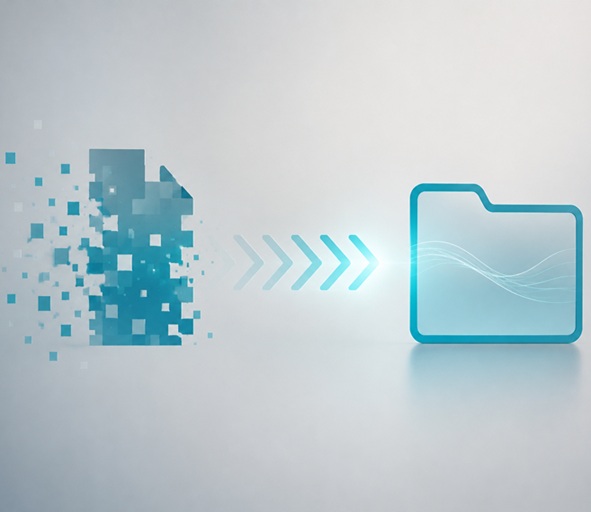
iDrive is a cloud backup platform that quietly does one job very well. It keeps a secure copy of your data offsite, so if anything goes wrong, you can get it back.

We supply, set up, and manage iDrive for our customers so it just works in the background without fuss.


Why We Like iDrive (and Why Our Customers Do Too)

1. It is simple to set up and use

A lot of backup software is overly technical. iDrive is not.

Once installed, you simply choose what you want backed up and it takes care of the rest. The interface is clean and straightforward. No confusion. No guesswork.

From our side, we handle the setup so you do not even need to think about it.


2. You choose exactly what gets backed up

This is one of the biggest wins.

With iDrive, you can tick specific folders anywhere on your computer. Desktop, Documents, accounting files, custom folders. Anything.

You do not need to move everything into a special sync folder like OneDrive or Google Drive. Your files stay where they are. iDrive works around you, not the other way around.

This is especially important for businesses where data lives in multiple locations or specialist software folders.


3. Proper protection, not just syncing

Sync tools are great until something goes wrong.

If ransomware encrypts your files, sync tools can happily sync the encrypted versions as well. Not helpful.

iDrive keeps versioned backups. That means you can roll back to earlier versions of files before the problem occurred. It also protects against accidental deletion and corruption.

In short, it is a safety net, not just a mirror.


4. Fast and reliable recovery

Backups are only useful if you can actually restore your data when needed.

iDrive performs well here. Recovery is straightforward and relatively fast, whether you are restoring a single file or a large set of data.

In more serious cases, there are also options for bulk restore which can save a huge amount of time.

We have used it in real situations, not just theory. It delivers when it matters.


5. Runs quietly in the background

Once set up, iDrive just gets on with the job.

It runs automatically, schedules backups, and uses bandwidth efficiently. Most users forget it is even there, which is exactly how backup should be.

No daily tasks. No babysitting.


6. Strong security

Your data is encrypted both in transit and at rest. There is also the option for private key encryption, which means only you can access your data.

For businesses concerned about data protection, this is critical.


7. Good value for money

Backup should not be expensive, but it should be done properly.

iDrive is very reasonably priced for what it offers, especially compared to enterprise backup solutions. You get a large amount of storage, multiple device support, and robust features without the high cost.

For many of our customers, it hits the sweet spot between affordability and reliability.


How We Provide iDrive at Computer Help NZ

We do not just point you to a download link and wish you luck.

We setup iDrive into your overall IT setup so it becomes part of a resilient system.

Here is how we typically handle it:

  • We assess what data actually needs protecting
  • We set up iDrive correctly from the start
  • We select the right folders and structure
  • We configure schedules and retention
  • We ensure security settings are appropriate

The result is a backup system you can trust, without needing to understand the technical details.


Who is iDrive Best For?

iDrive works well for:

  • Small businesses
  • Home users with important data
  • People who want a proper backup without complexity
  • Anyone who has outgrown basic syncing tools
  • People who only want files backed up and not the entire filesystem

It is especially good for people who are not overly technical but still want strong protection.


The Question

If your laptop died today, or your files were encrypted overnight, how confident are you that you could get everything back quickly?

If the answer is anything less than “very confident”, it is worth fixing - we can check for you.


Final Thoughts

Backup is one of those things you only appreciate when something goes wrong.

iDrive is not flashy. It does not try to be everything. It simply does backup well. It is easy to use, flexible, secure, and good value.

And when combined with our setup and support, it becomes a reliable part of your overall IT protection.

If you want something that quietly protects your data without getting in your way, iDrive is a very solid choice.


CLICK HERE TO SETUP IDRIVE

Authorized Reseller


trademe-laptops-chch

Selling a Laptop on TradeMe

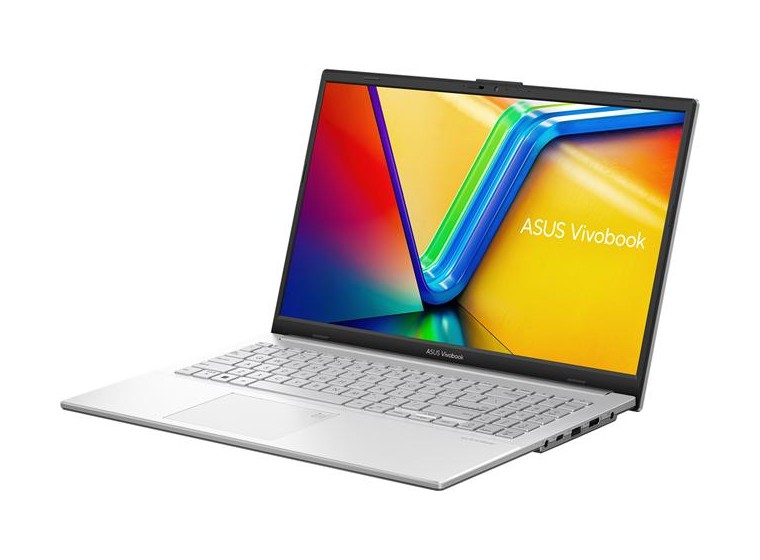
For many years, TradeMe has been the go-to place in New Zealand to sell unwanted tech. If you had an old laptop sitting in a drawer, you could list it on TradeMe, wait a few days, and someone would usually buy it.

But TradeMe has recently changed how its fees work, and that has altered the maths for people selling second-hand items.

If you’re thinking about selling an old laptop, it’s worth understanding how the new system affects what you actually receive. Read on.

Read more …
laptop-computer-expensive

Why Are Computers Expensive At The Moment?

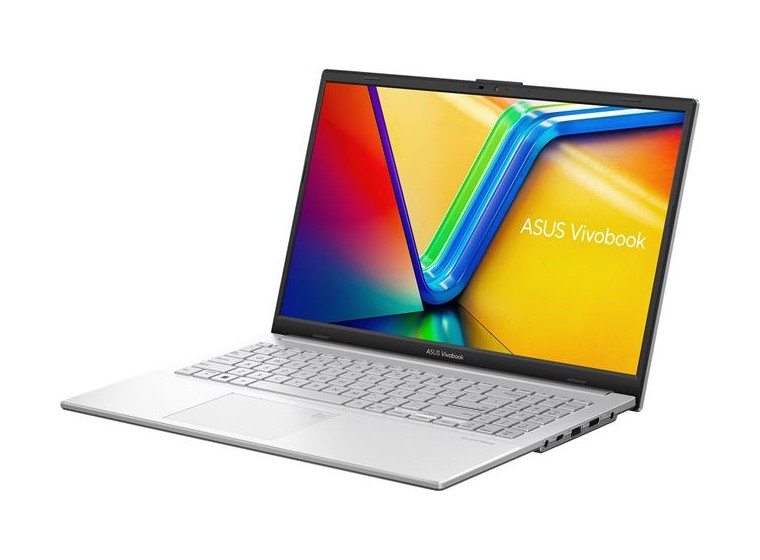
Lately I’ve had a bunch of people say some version of: “Why are laptops suddenly so expensive again?” And yep — it’s not your imagination. That same spec you bought a year or two ago (or even a few months ago) is now mysteriously a couple of hundred dollars more, and the “cheap and cheerful” options are looking less, well, cheerful.

Read more …
windows-11-update

Windows 11 Update - 26H1 Isn't A Worry

Microsoft has released another Windows version for your Windows PC or laptop computer and, as usual, it sounds dramatic and scary until you actually read what it is. I'll explain quickly what you need to know and how you may be affected - but probably not! 

Windows 11 version 26H1 sounds like the next big thing, right? New version number, new vibes, 2026 naming. But here’s the reality - for most businesses (including ours and our clients), this changes very little.

Read more …
windows-11-printers

Windows 11 Kills Printers?

If you’ve been tinkering with Windows machines for long enough you’ve learned one thing: printer drivers and support has always been that thing nobody really enjoys dealing with - wastes your time, causes headaches, and the drama it causes, you often just end up buying a new one.

Read more …
computer-security-apple

Chrome and iPad Security Issues

There's been a number of security breaches lately. And weird places too. "oh wow, everyone needs to panic now” kind of week. That’s exactly what happened with the recent iPad and Chrome security breaches. I guess it wouldn’t be technology if something didn’t *beep* up at the last minute just to keep us on our toes, right?

Read more …
ram memory price

RAM Has Become Crazy Expensive – Why?

Right now, memory (RAM) prices are spiking like never before - in some cases doubling or tripling compared to just months ago. If you are building a new PC or buying a laptop this will cause massive prices increases.

PC & laptop Manufacturers and even single-board computer producers (like Raspberry Pi) are warning that costs are going up because the global supply of RAM is under large strain. Most of that strain comes from big AI data centres buying up memory chips.

Read more …
christmas-hamper-repair

Hi Everyone!

From now until 19th December, every computer repair completed will go into the draw to win a $ 200 Christmas Hamper - including a spectacular handcrafted boutique ham!

If your computer is giving you trouble, or you’re considering upgrading to a new one, now’s the perfect time to buy. So whether you need your laptop repair, a broken screen replaced, a virus removed or help with some pesky computer scammers - or even with a new laptop computer please give us a call and we’ll get you sorted.


Our Christmas hours:

Closing Weds Dec 24th at 5pm and opening again Monday Dec 29th at 830am

Closing 31st Dec at 5pm and Opening Jan 5th at 830am


Friendly Advice in Plain English.
0800 FIX NOW