

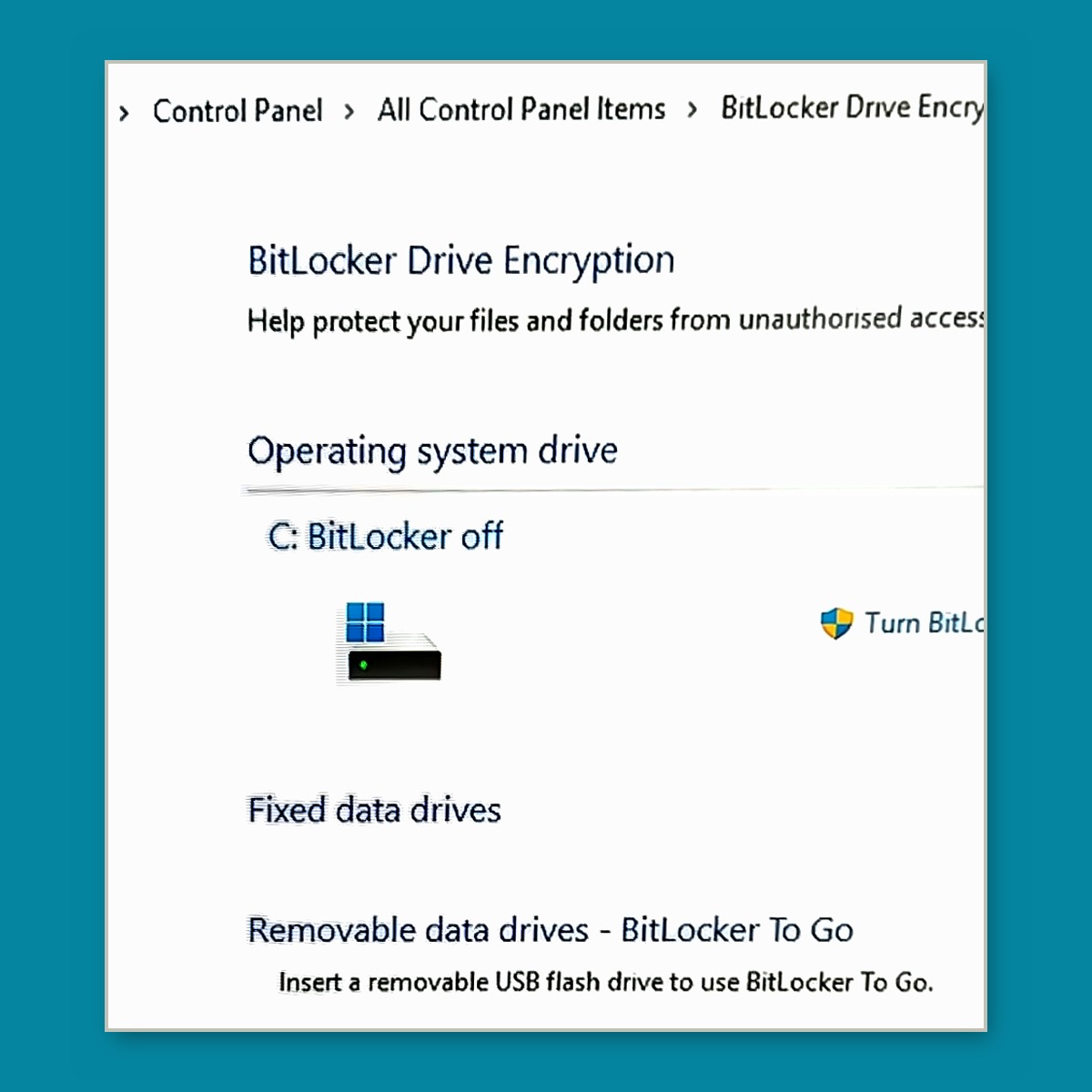
Margaret (not her real name) rang us because she had read that BitLocker could lock her out of her own computer and she did not feel confident sorting it herself. She was right to ring.
What BitLocker actually is
BitLocker encrypts the drive in your Windows machine. Everything on it becomes unreadable without a key. That is excellent if your laptop is stolen. It is a catastrophe if the key is sitting in a Microsoft account you no longer have access to, or one you never knew existed.
The part that catches people is that nobody chooses it. On a lot of machines it switches itself on during setup or after a Windows update. The first most people hear of it is a blue screen asking for a 48 digit recovery key, usually after a hardware change or a failed update.
If you cannot produce that key, there is no back door. Not for you, not for Microsoft, not for us. The drive is finished and so is everything on it.
What we did
Josh told Margaret the check is free and that if BitLocker did need turning off it would take up to 20 minutes and cost $65. She brought the machine in that morning, we confirmed it was encrypted, ran the decryption, and texted her when it was done because she had asked for a text rather than a call when she booked in.
She also dropped off two old computers that had belonged to her daughter. We take old machines and either reuse or recycle them, so those did not go to the tip.
What to take from it
You have two safe options and one dangerous one.
The safe options: leave BitLocker on and make sure you have the recovery key saved somewhere outside the computer, or turn BitLocker off. The dangerous one is what most people are doing right now, which is leaving it on without knowing where the key is.
To check, open Settings, search for device encryption or BitLocker, and see whether it is on. If it is and you cannot immediately say where your recovery key lives, bring the machine in. The check costs nothing.
Here to Help