

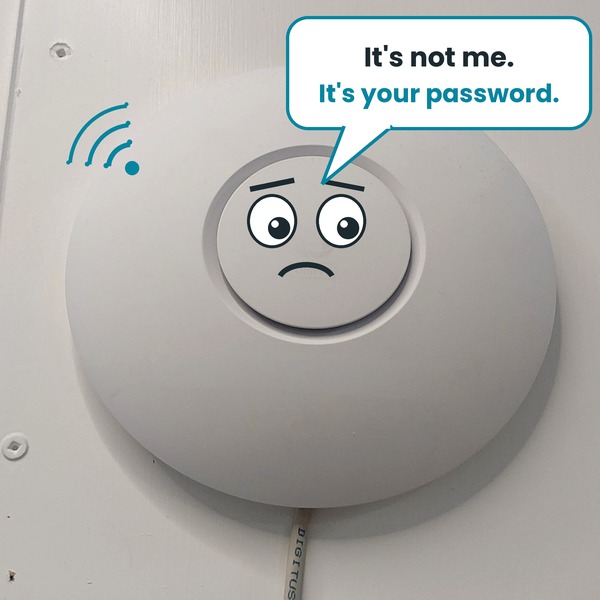
Your Wi-Fi Isn't Down
A Christchurch restaurant called us with both networks down, staff and guest. In hospitality that is not an inconvenience, that is the till, the orders and the bookings all at once.
The Wi-Fi Was Working!
Nothing was down. The wireless internet was in fact working, but there was a catch.
What Judah and Josh found
The business had replaced its old access points some time earlier. The new network had a new password. The old password was still written in the business records, which is what staff were handing out and typing into their personal devices.
So every new device that joined failed, every old device that had been connected once kept working, and the pattern looked exactly like an intermittent fault. It was not intermittent. It was two passwords in circulation and only one of them correct.
The second problem underneath it
While we were onsite we also found the mesh was not handing devices over cleanly. Speeds in the back room were excellent, around 200 megabits, but devices further from that node held on to it instead of switching to a closer one. We pinned the manager's Mac to the node nearest her desk so it stops wandering, and we can move it back to automatic remotely once she has lived with it for a while.
That is the thing about mesh Wi-Fi. It is sold as something you plug in and forget, and most of the time that is true. When it is not, the symptom is never "the mesh is misbehaving", it is "the internet is slow in the front of the shop". So beware that when you look at a Wi-Fi problem with your computer, it may not be as obvious as it seems.
What to take from it
When you change your Wi-Fi password, change it in one more place than you think you need to. The staff handbook, the laminated card by the till, the note in your point of sale system, the one in the manager's phone. Old passwords in business records outlive the equipment they belonged to.
And if your Wi-Fi works perfectly for the people who have always been connected and fails for everyone new, that is not a fault. That is a password. Sometimes you are better off dealing with the inconvenience of a new password and avoid hassles later.
If you need help with your Wi-Fi or settings up business networks that area reliable we are....